Hands Motion Capture (Beta) — A New Feature That Captures Natural Hand Movements
Written byMOVIN Team
MOVIN Studio v2.0 introduces a new feature that expands beyond full-body tracking — Hands Motion Capture (Beta). With this update, you can now capture detailed hand movements in real time, including wrist rotation and individual finger motion, using only MOVIN TRACIN, with no additional gloves or equipment required. This allows creators to record natural and consistent hand performances and use them directly for character animation.
Hands Motion Capture is supported on Firmware Version 2.0.0 and above. If you haven’t updated yet, please follow the Firmware Update Guide. To check your current firmware, enter 192.168.2.100:8001 in your browser and navigate to System Monitor → Firmware Version.
Below, we’ll explore how to use Hands Motion Capture (Beta), how to create an optimal capture environment, and how to integrate hand data into your retargeting workflow.
Getting Started with Hands Motion Capture
Hands Motion Capture is seamlessly integrated into the Hands menu and Actor Calibration flow of MOVIN Studio. No extra configuration is required.
1. Please select MOVIN from the Hands options in MOVIN Studio

Open the Hands menu in MOVIN Studio and choose MOVIN. This enables the Hands Motion Capture feature using your TRACIN device.
2. Run Actor Calibration
With MOVIN selected in the Hands options, proceed with Actor Calibration as usual. When the actor stands in front of TRACIN and holds the calibration pose, Hand Tracking Initialization is automatically performed.
3. Check the Hand Motion Data
After initialization, you’ll see real-time tracking of finger bends, wrist rotation, and other fine hand motions.
Best Practices — Building an Optimal Hands Motion Capture Setup
Hands Motion Capture operates using the camera inside the MOVIN TRACIN device. When the following conditions are met, you’ll get the most accurate and stable hand data.
Distance & Field of View (FoV)
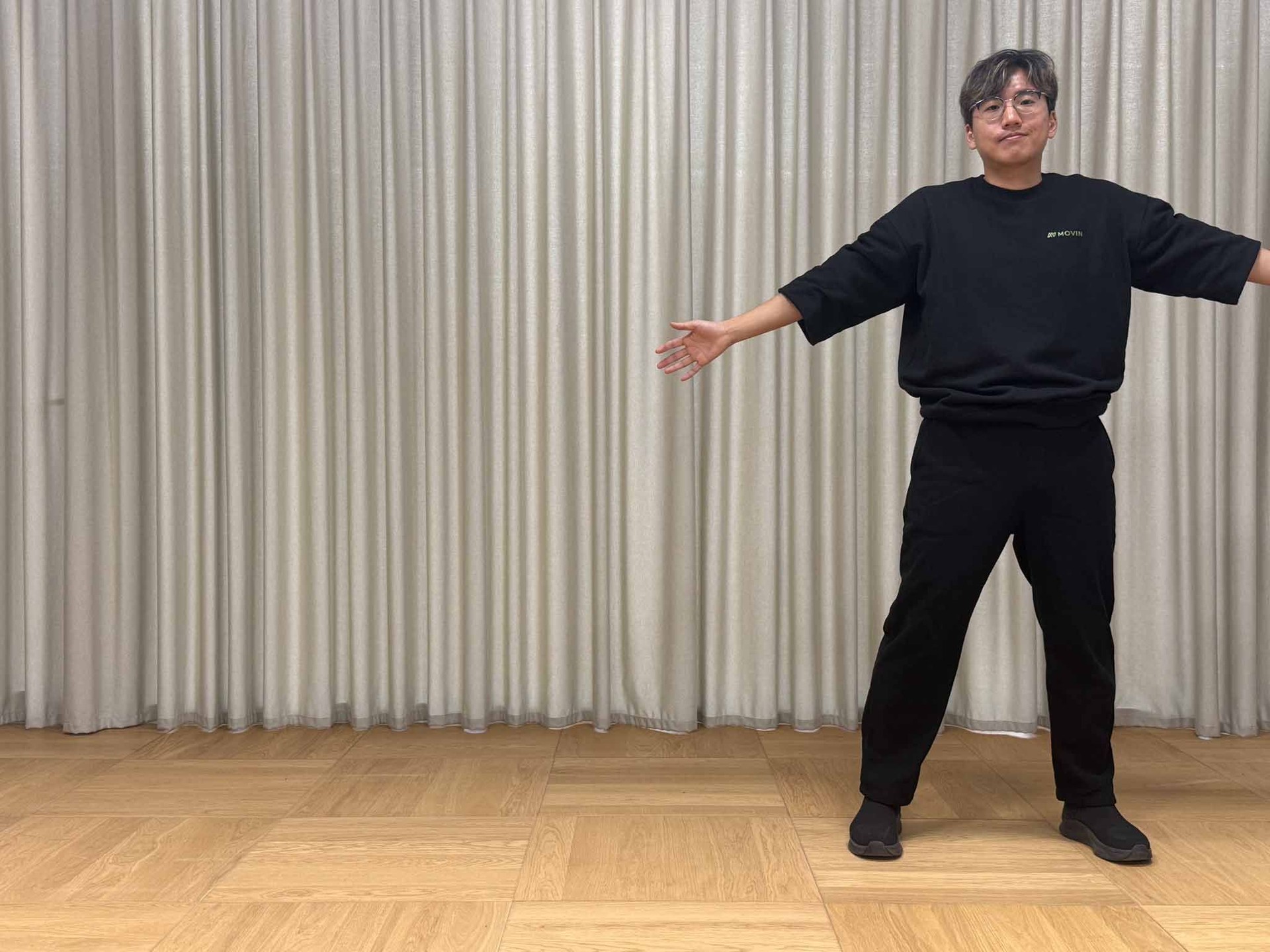
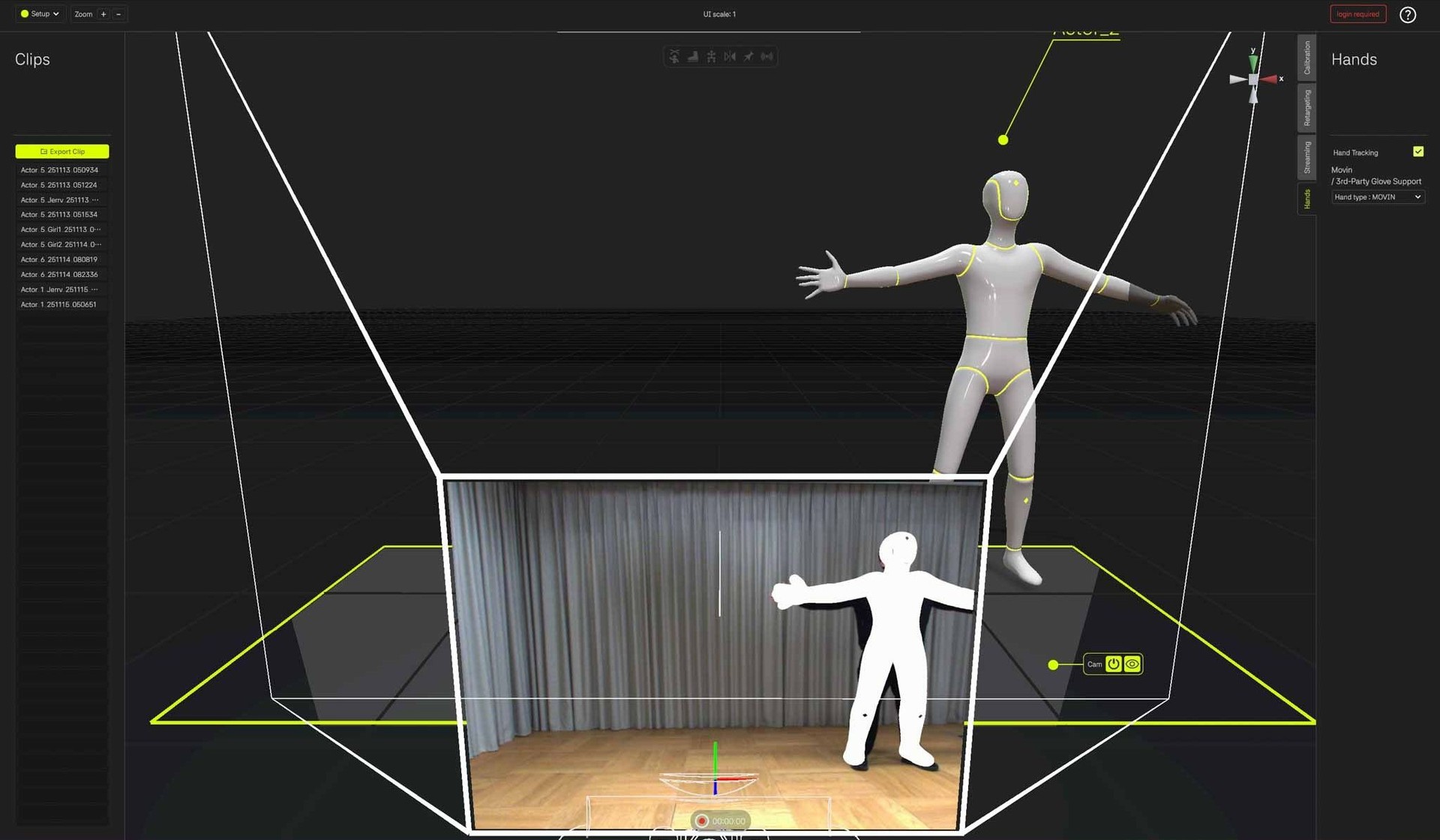
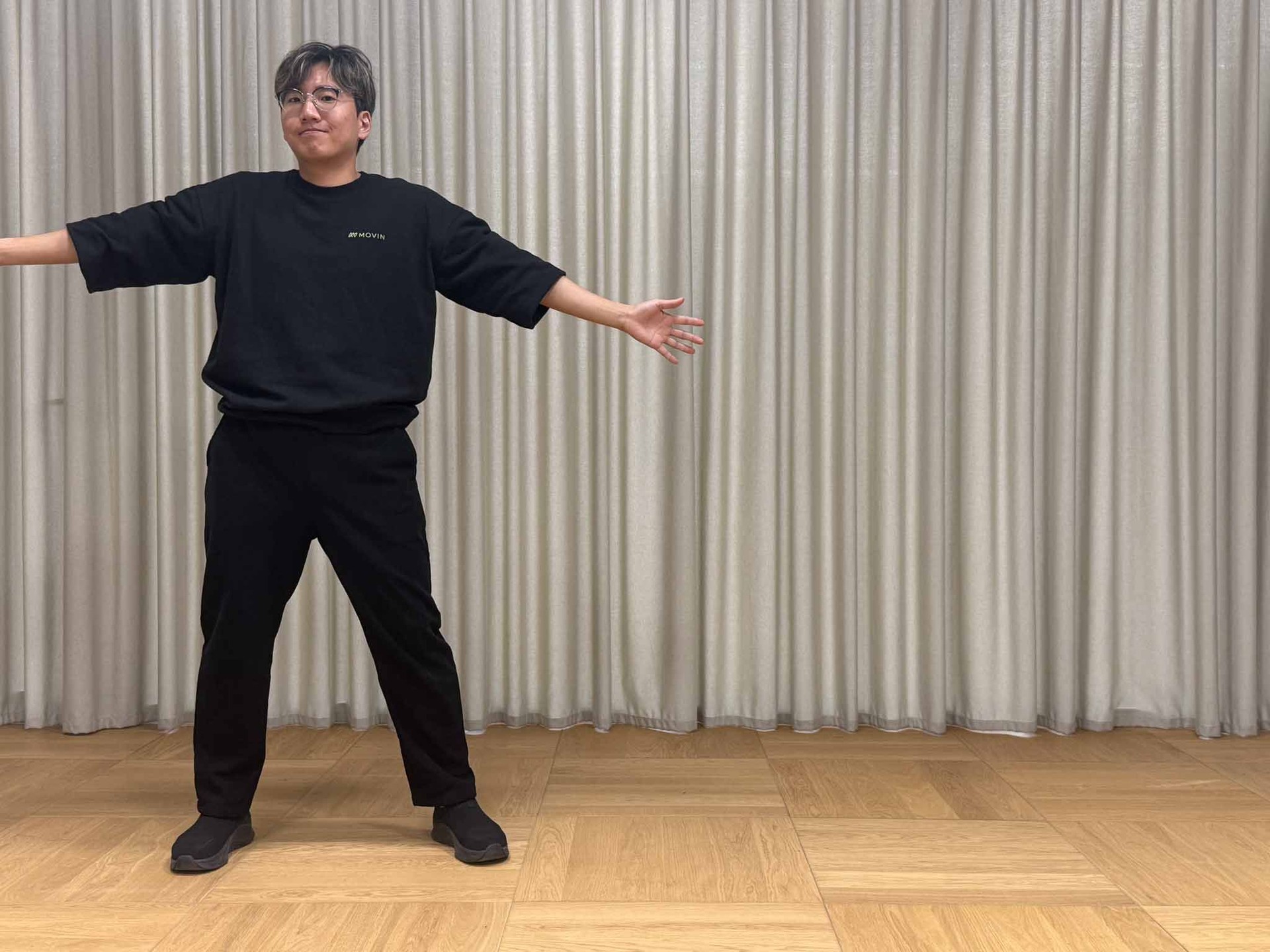
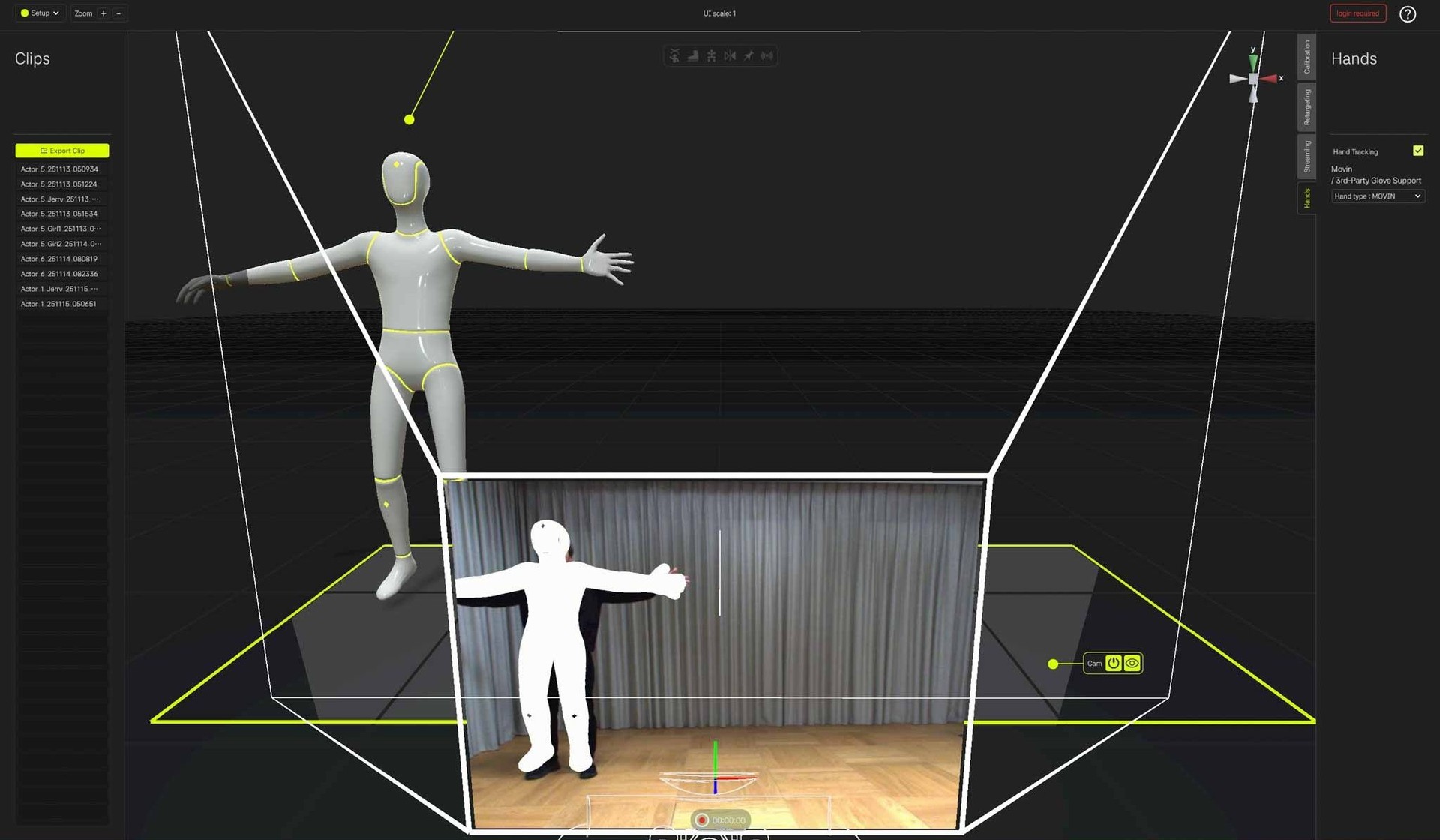
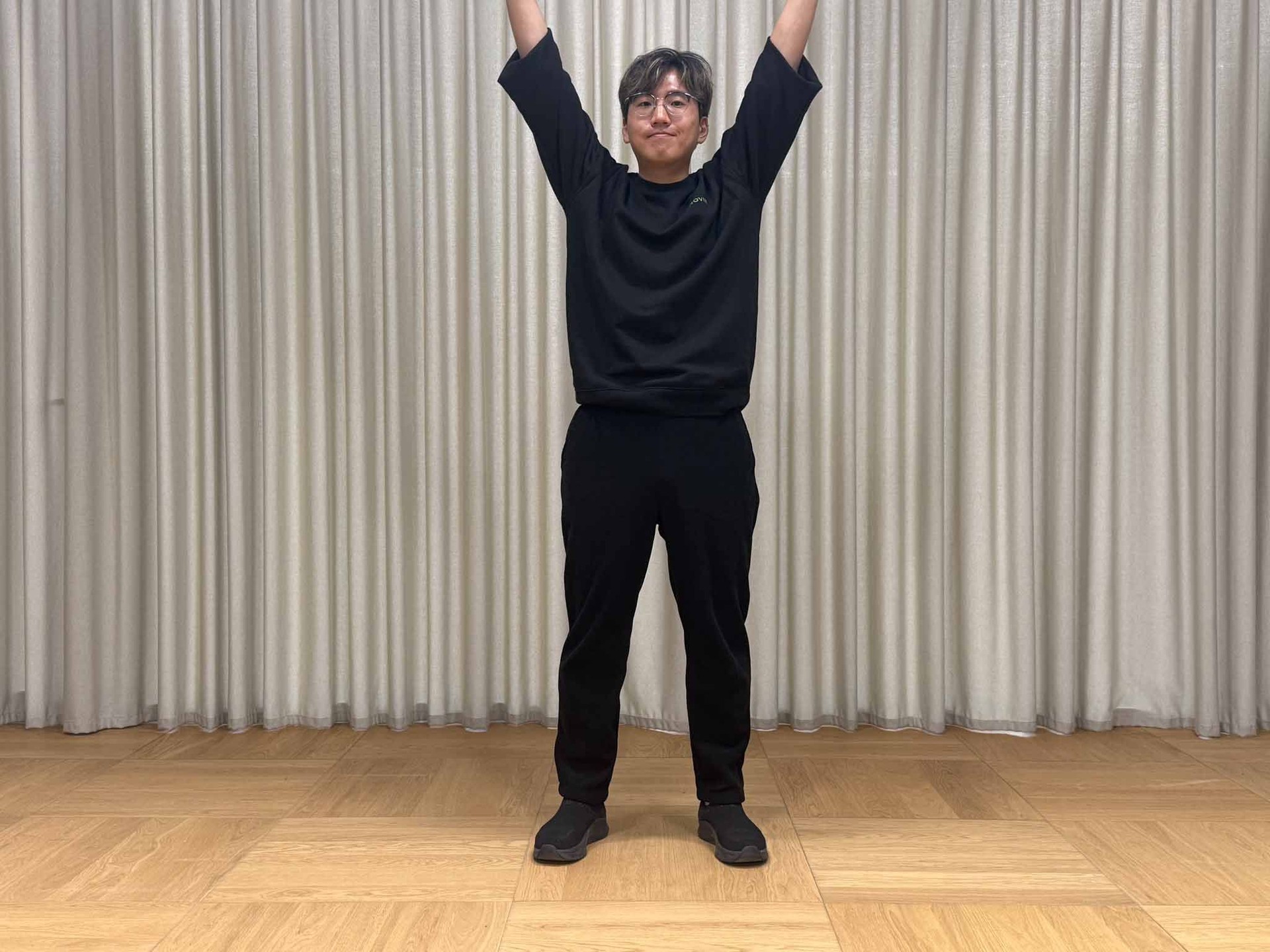
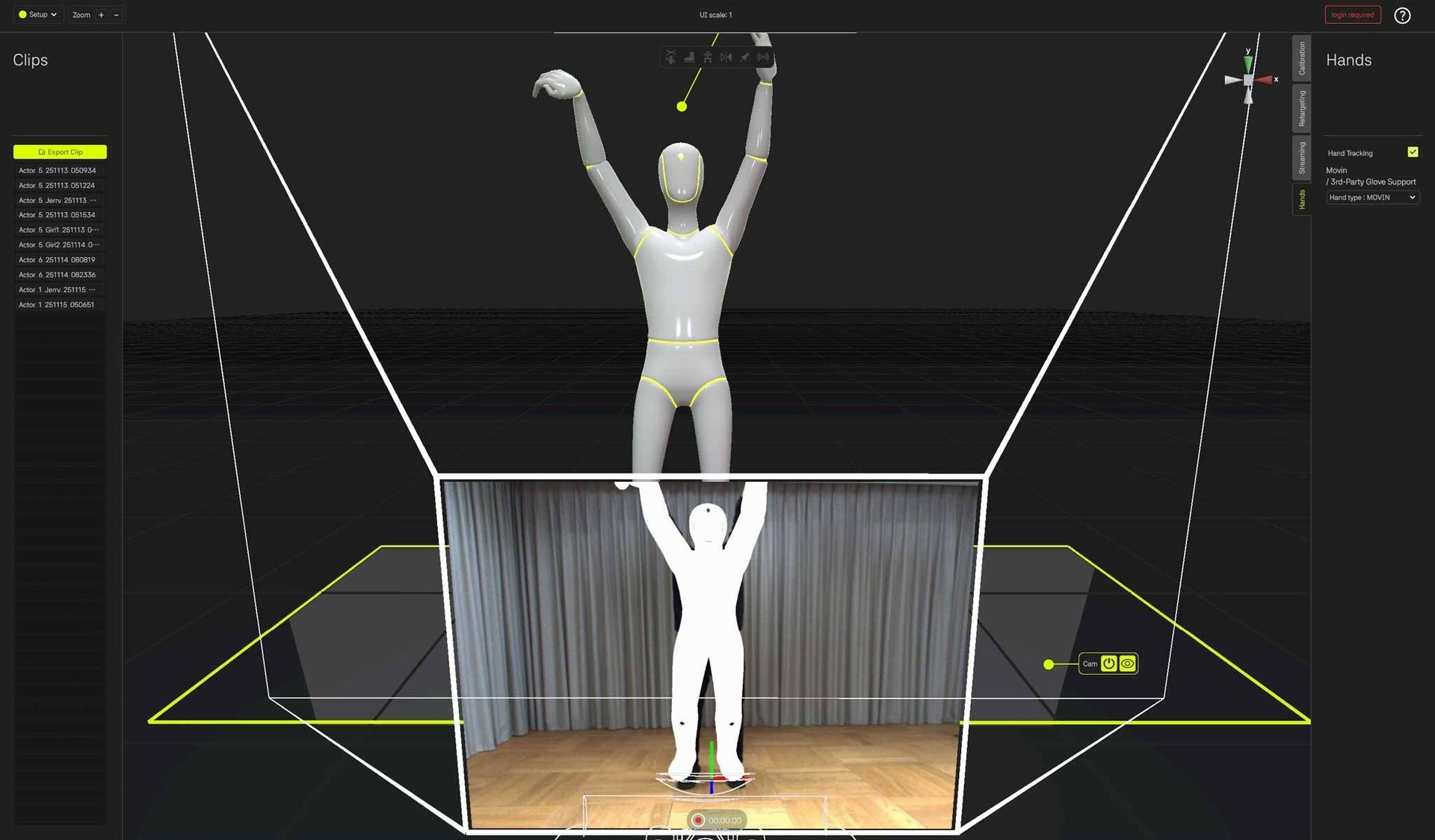
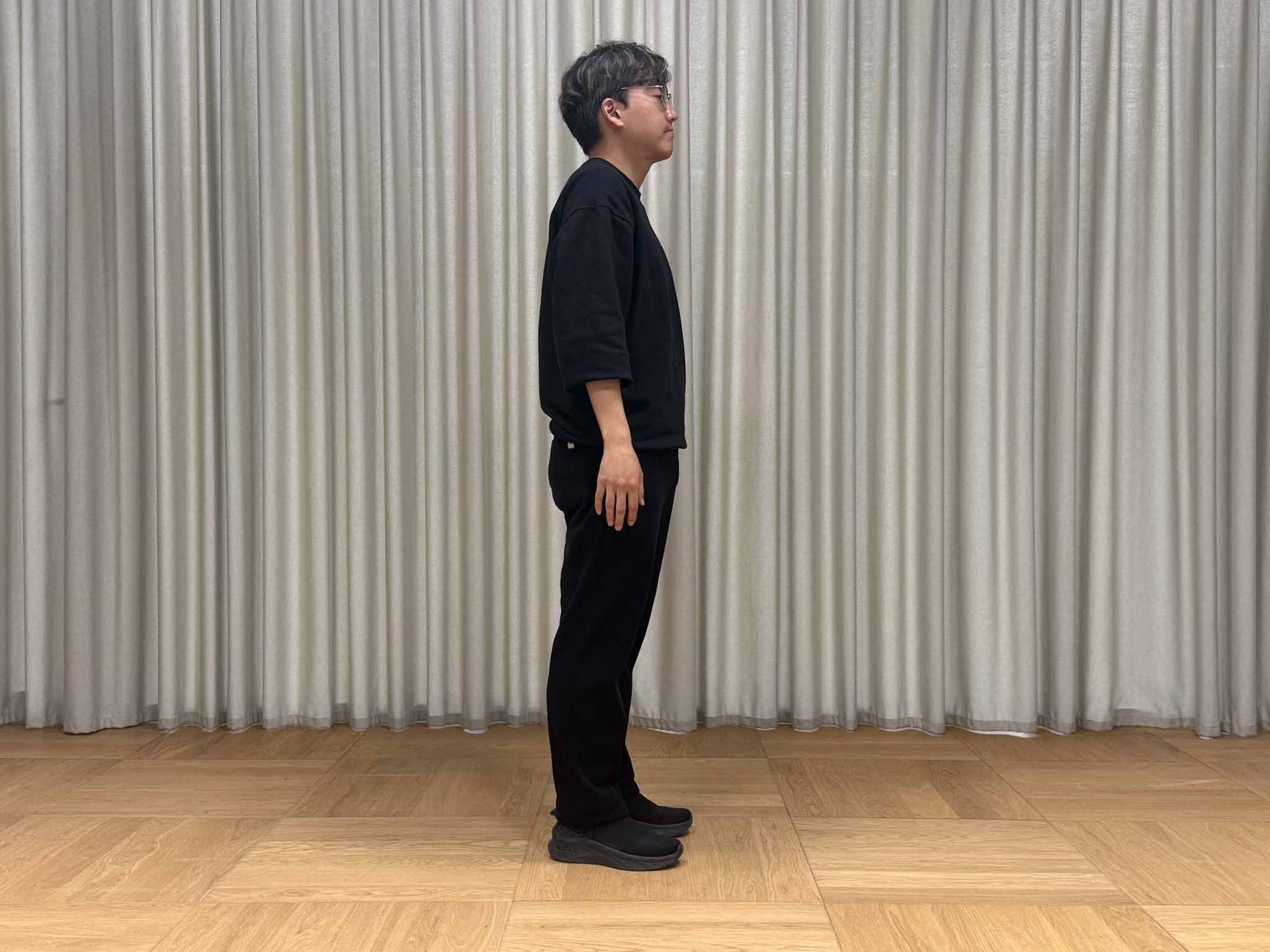
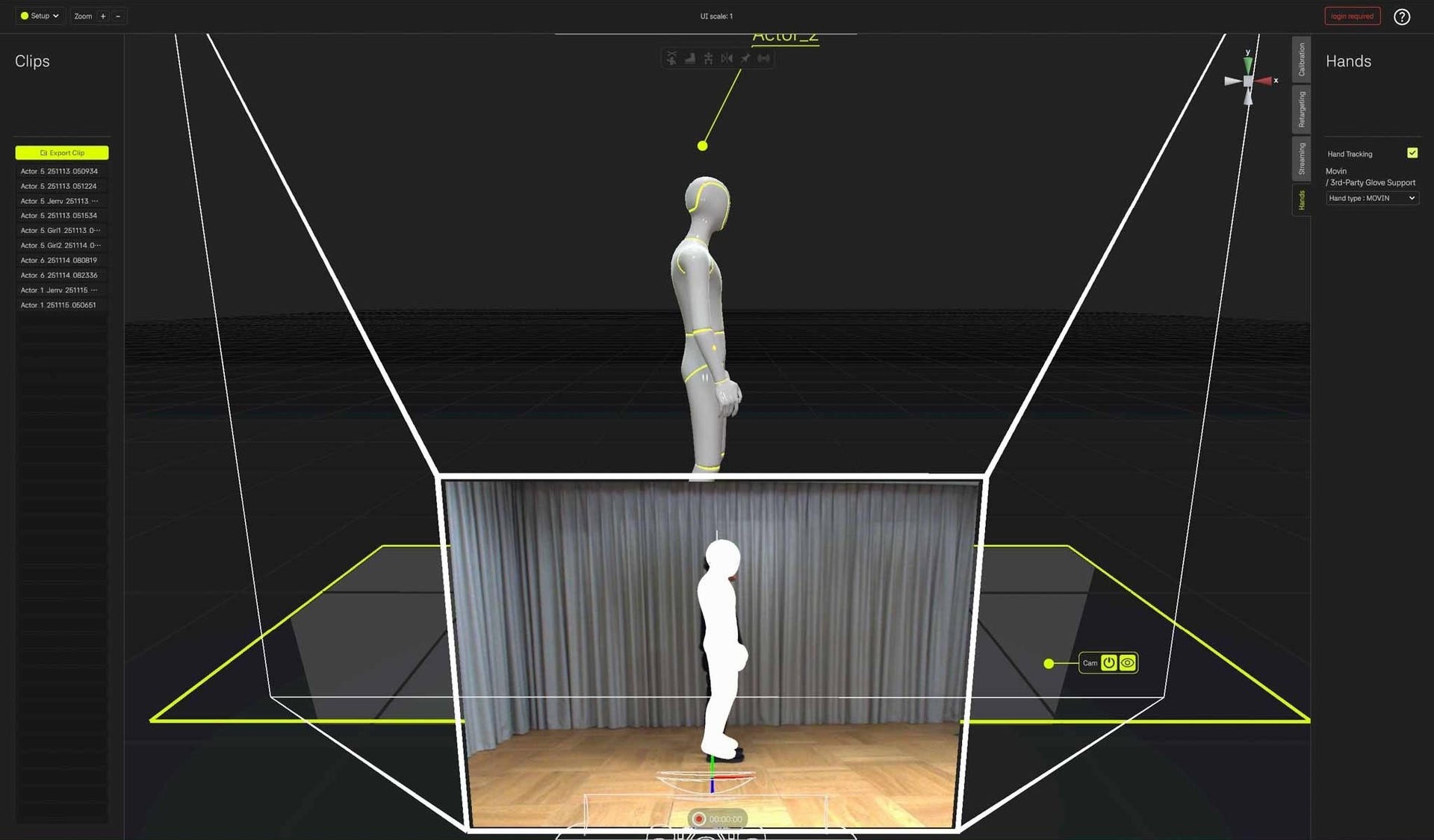
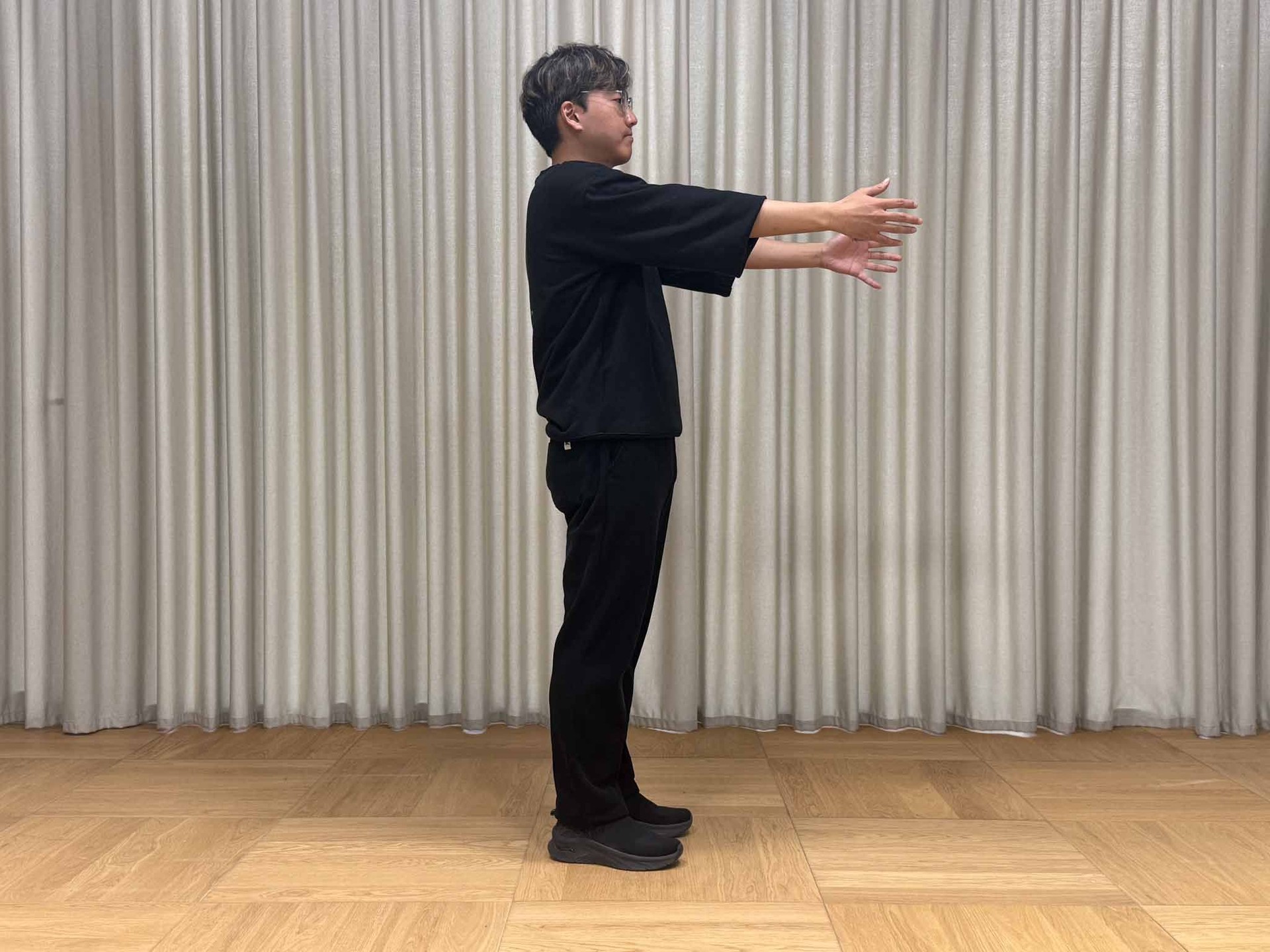
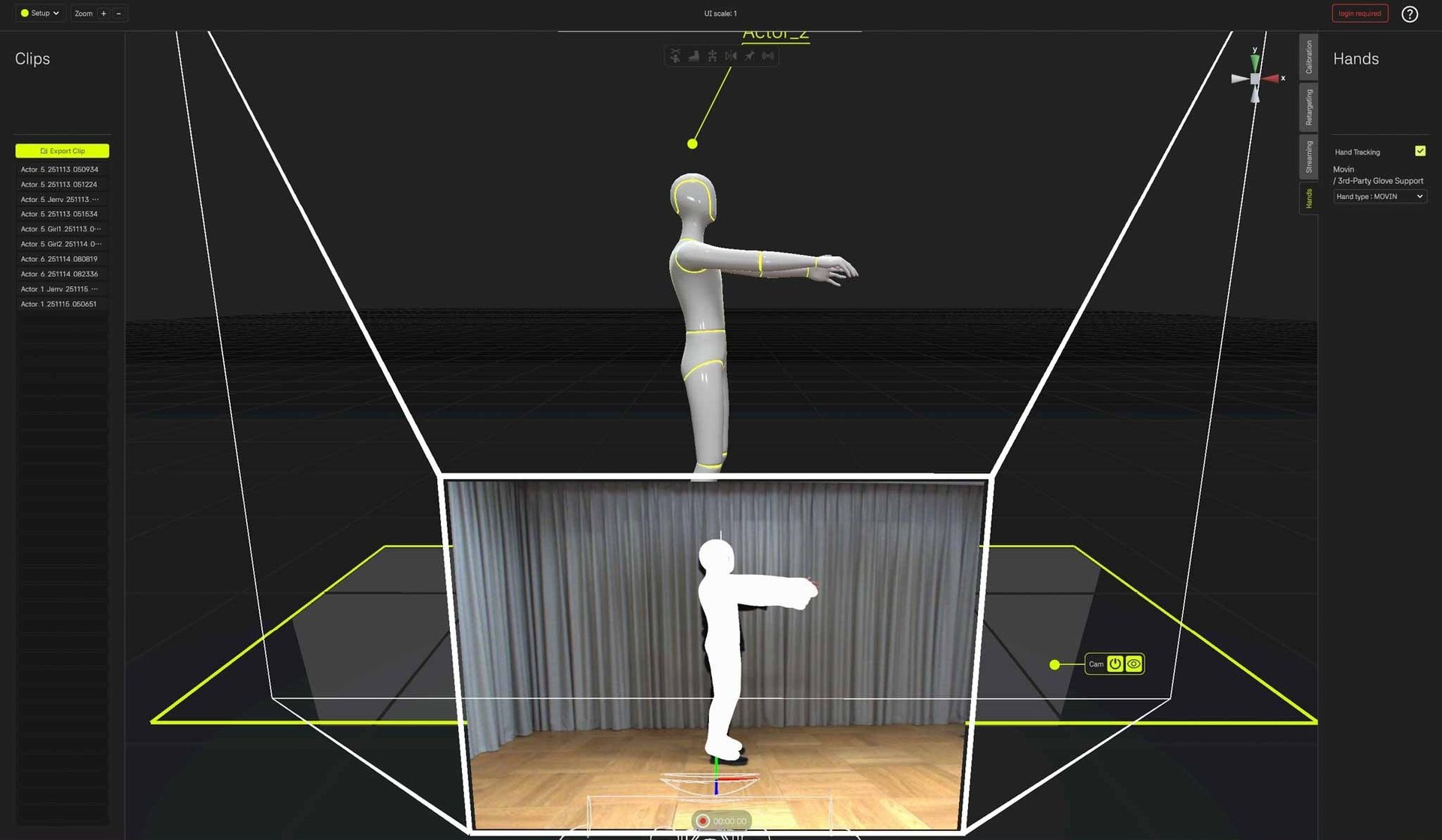
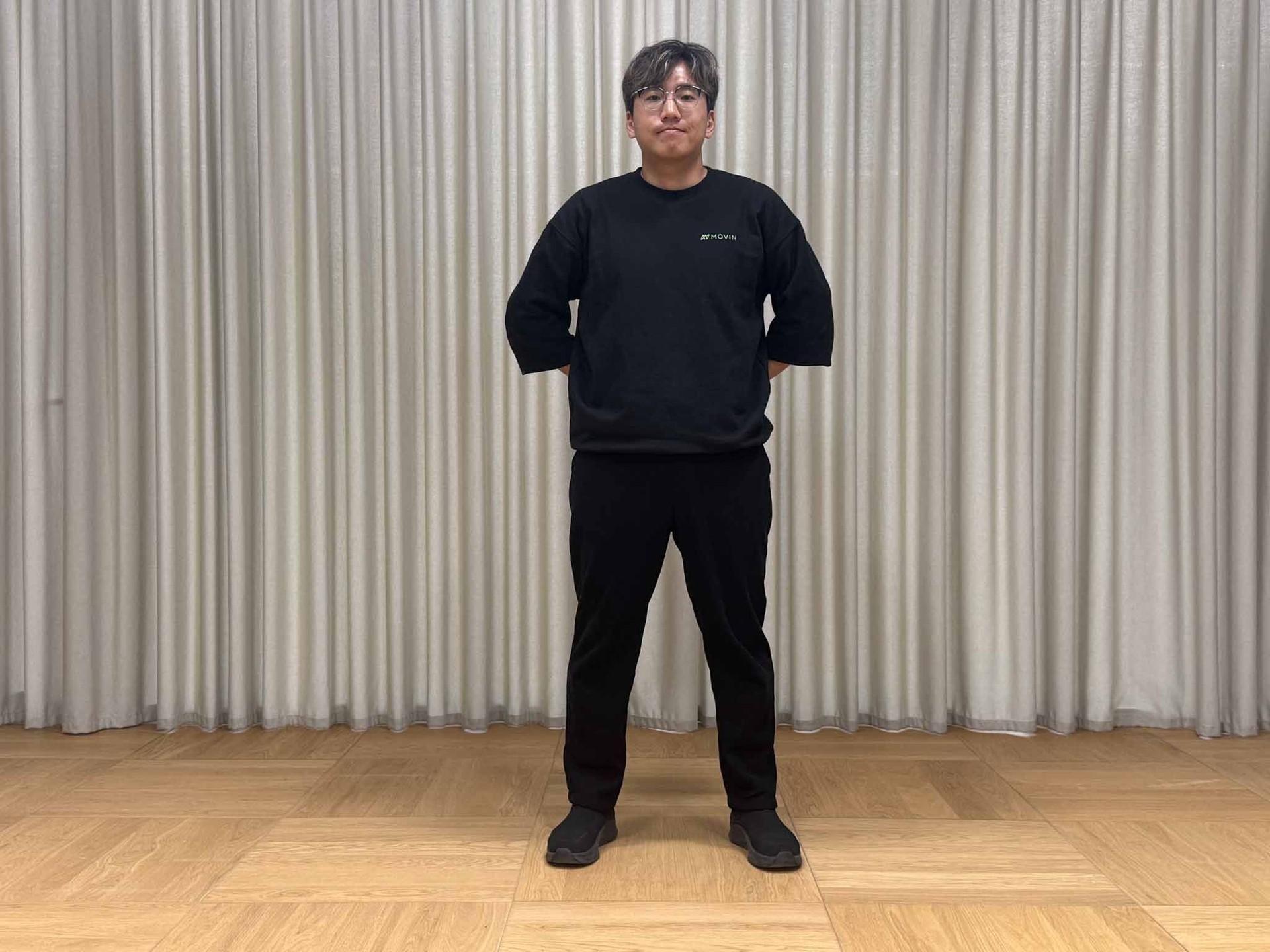
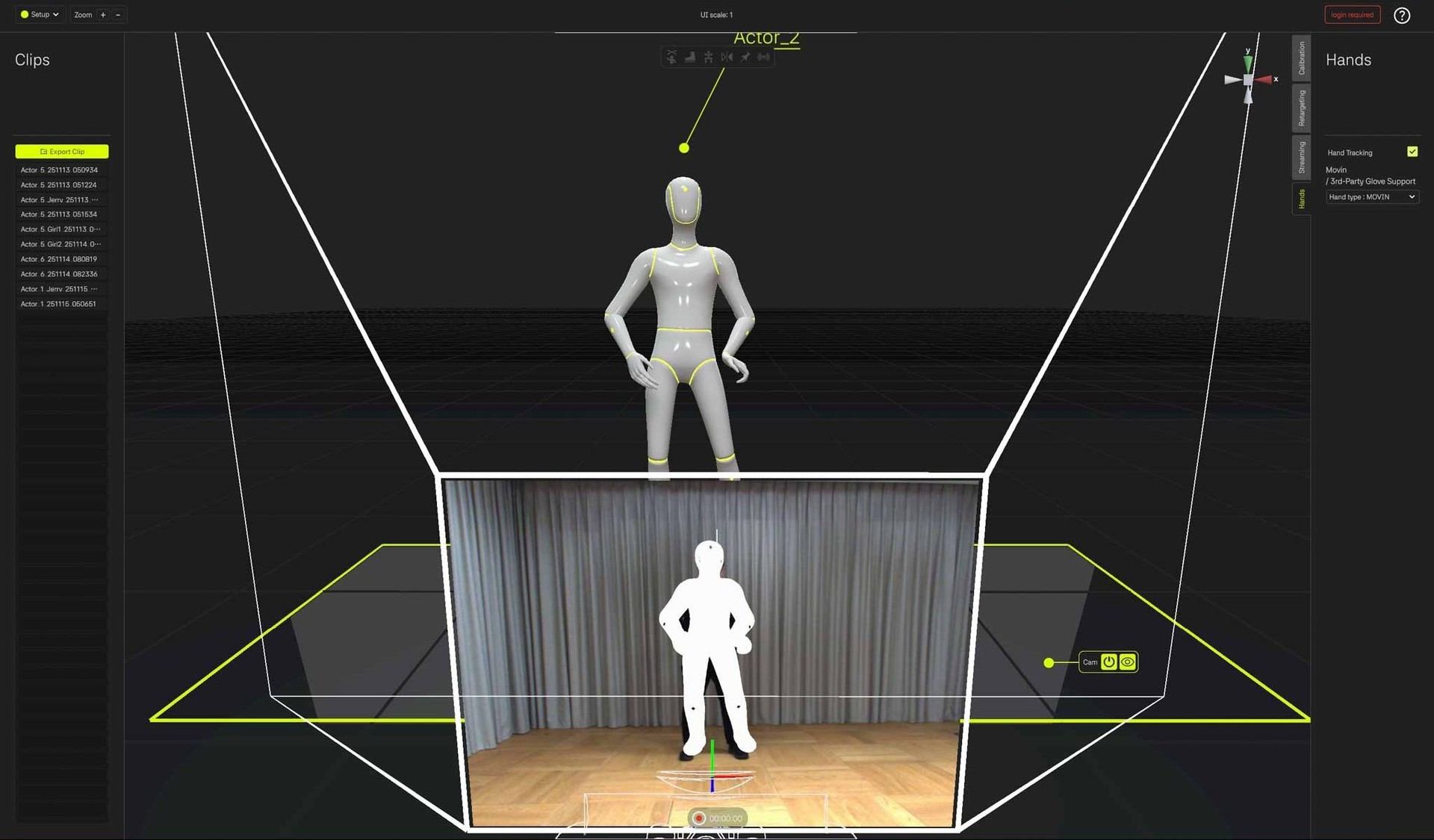
TRACIN’s camera is positioned about 95 cm from the ground, and hand tracking works within its Field of View. The ideal distance varies depending on the actor’s height, arm length, and typical hand position.
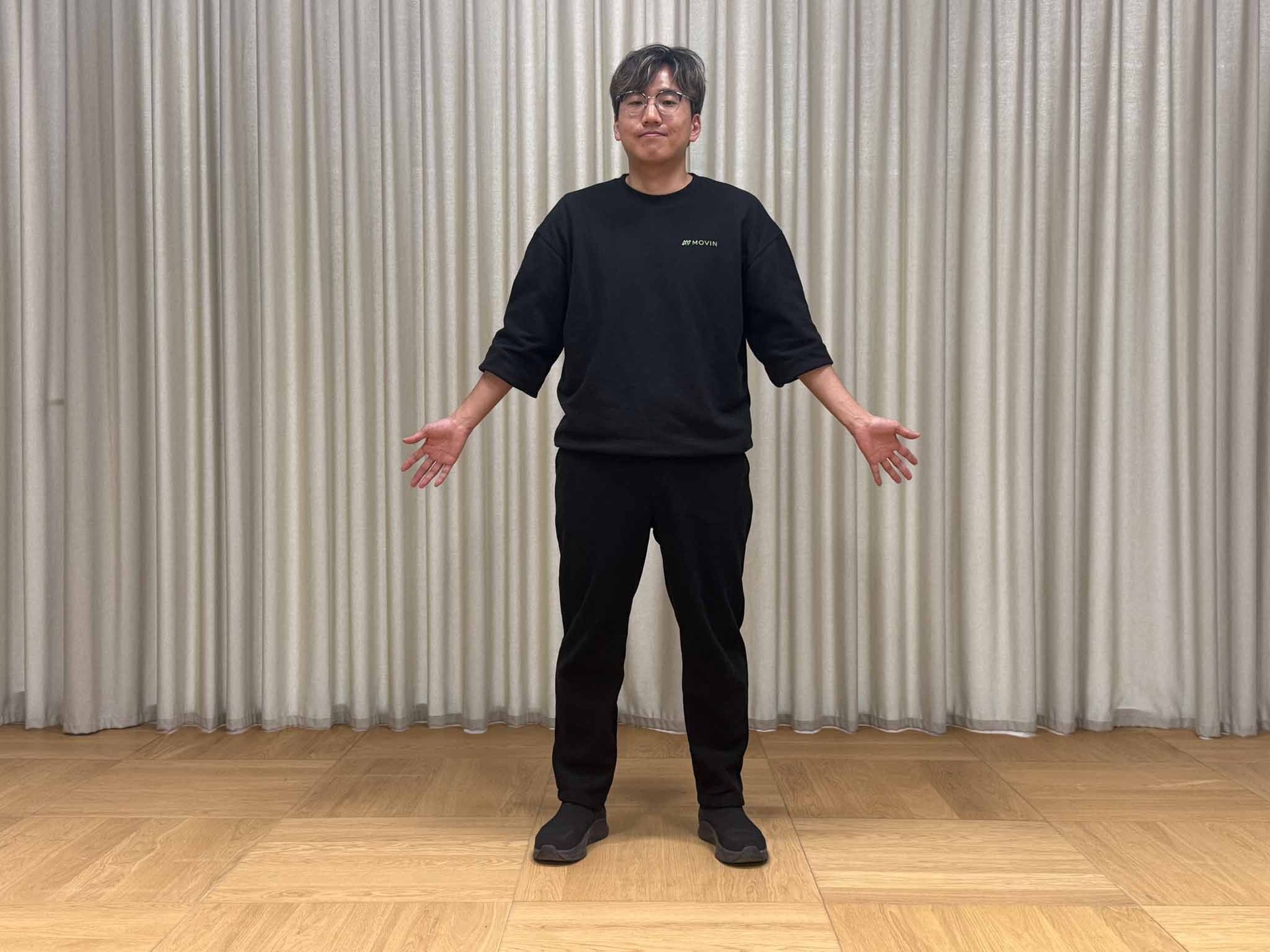
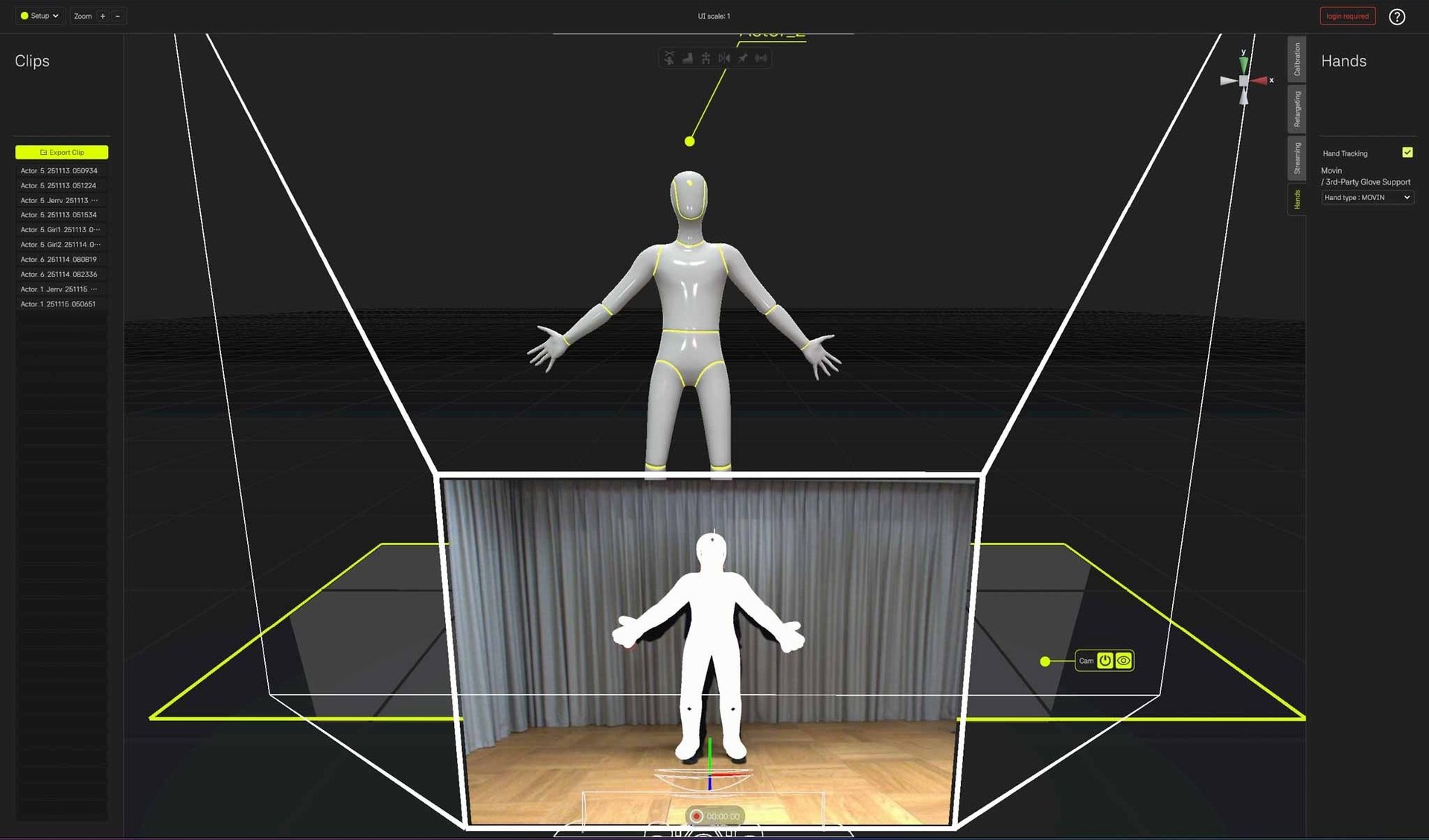
When the actor moves out of the camera’s FoV, the MOVINMan character’s body part will appear dimmed to indicate Tracking Lost. Tracking resumes immediately as soon as the hands return to view.
Lightening & Clothing
Because Hands Motion Capture is camera-based (not LiDAR-based), proper lighting and clothing are required.
Lighting
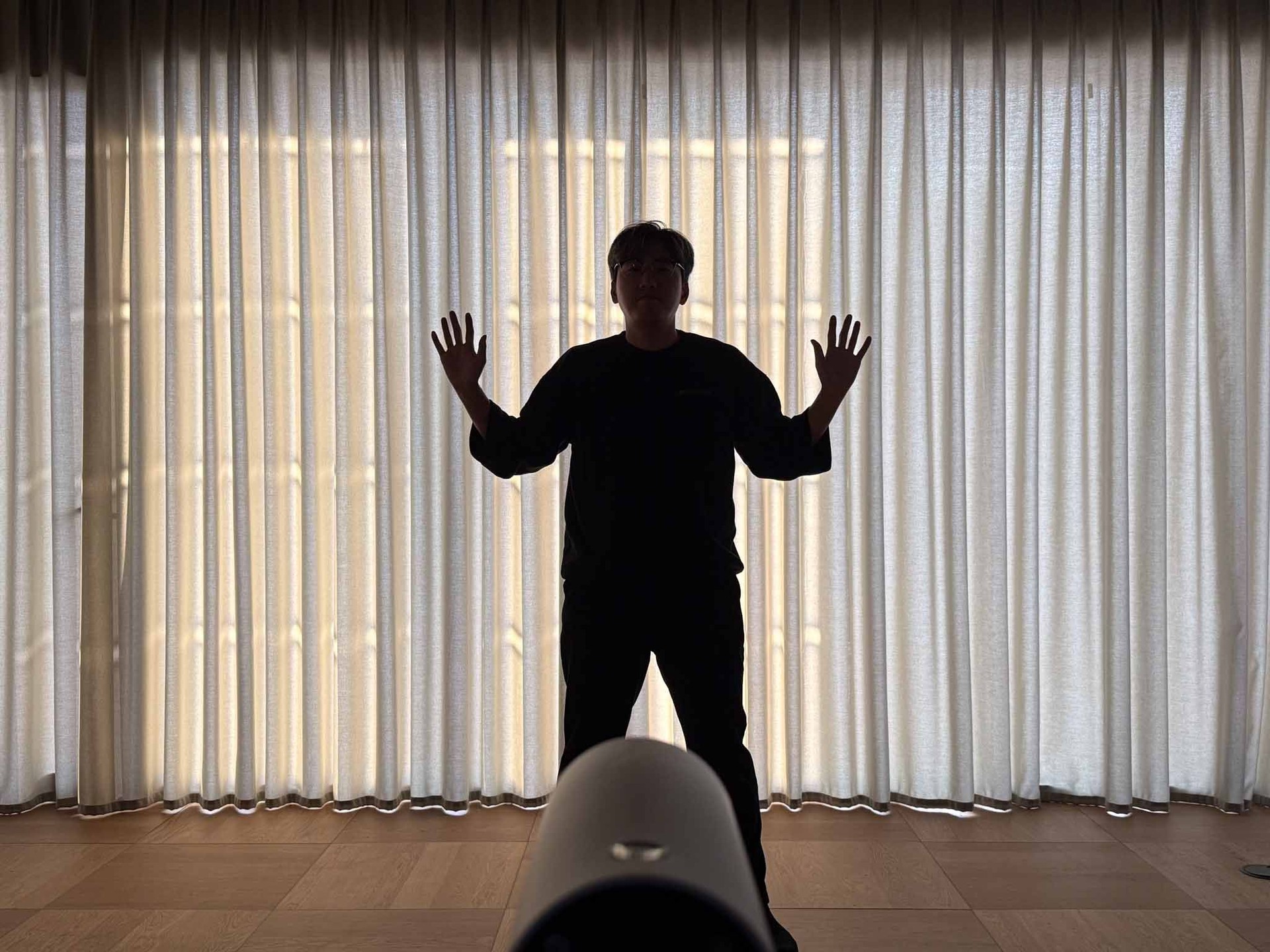
Human eyes adapt quickly to brightness, so a scene may feel “bright enough” to you while the camera still struggles to clearly recognize the contour of the hands. Tracking accuracy may degrade in the following environments:
- When the overall ambient light is too low and the hand contour becomes blurry
- When strong backlight, floor reflections, or polarized lighting cause the hands to be overly bright
- When there is significant brightness contrast between the upper and lower parts
If tracking appears unstable, adjust the lighting or use curtains so that the hand contours remain clearly visible to the camera
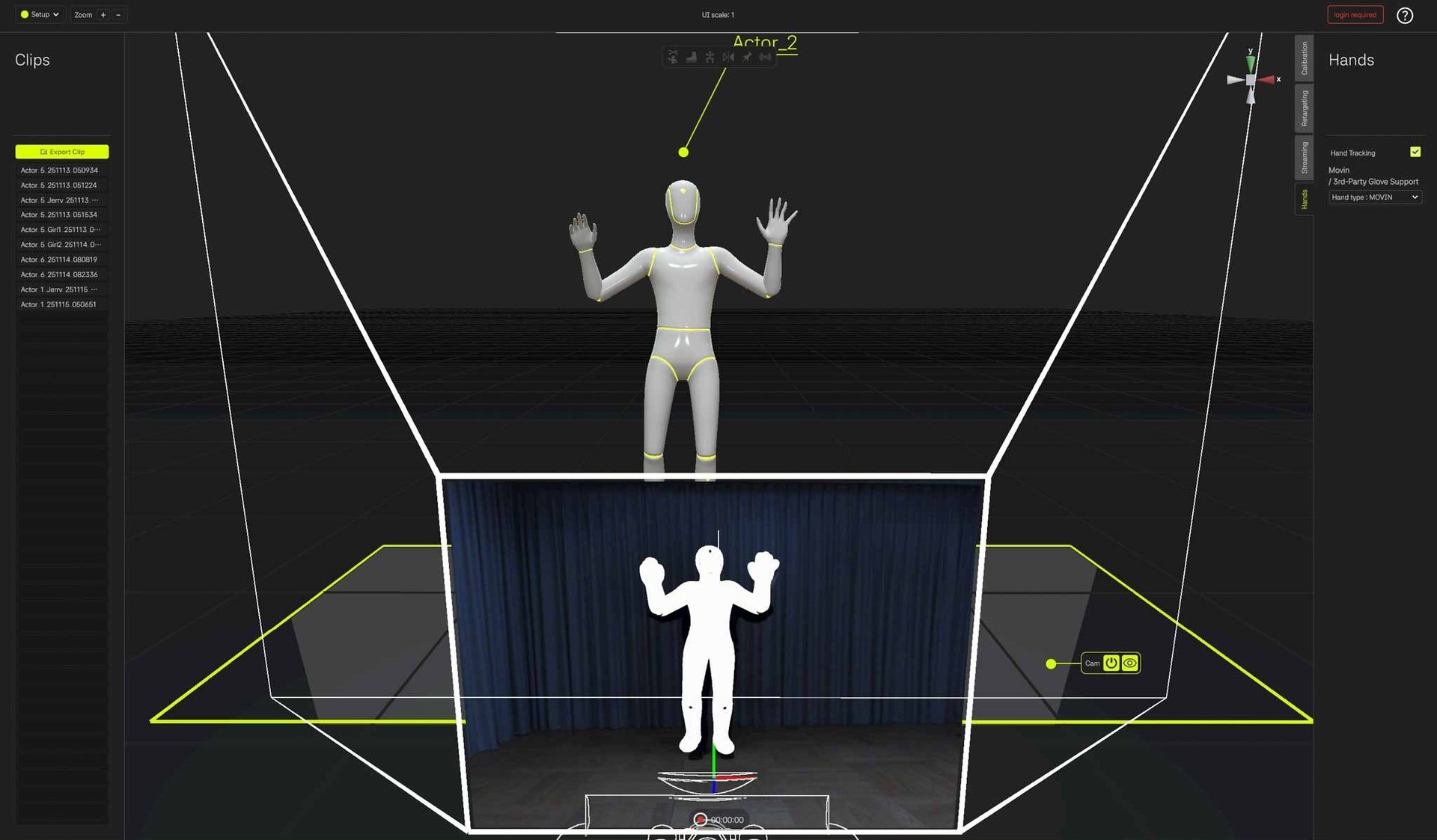
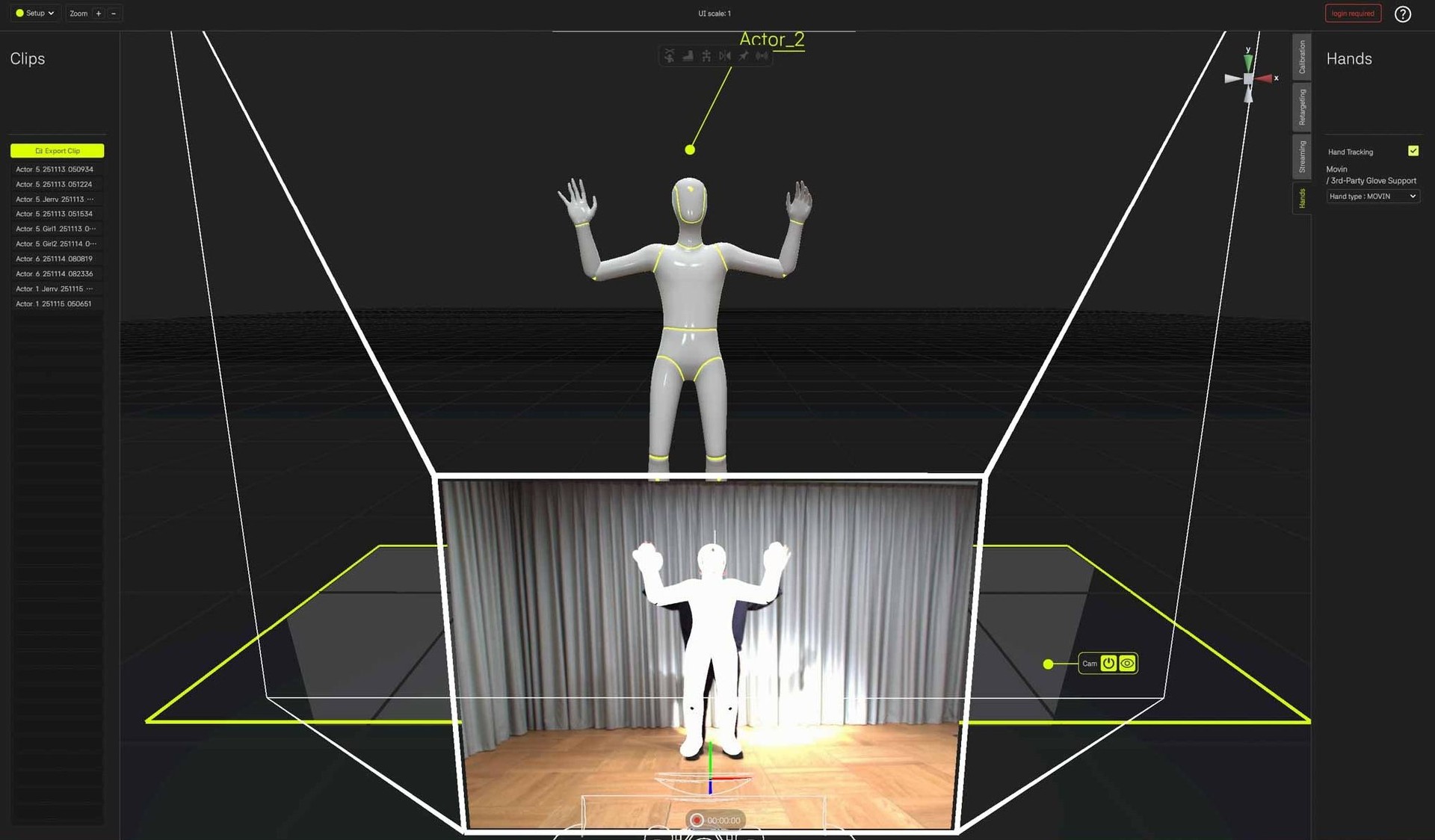
Ideal case
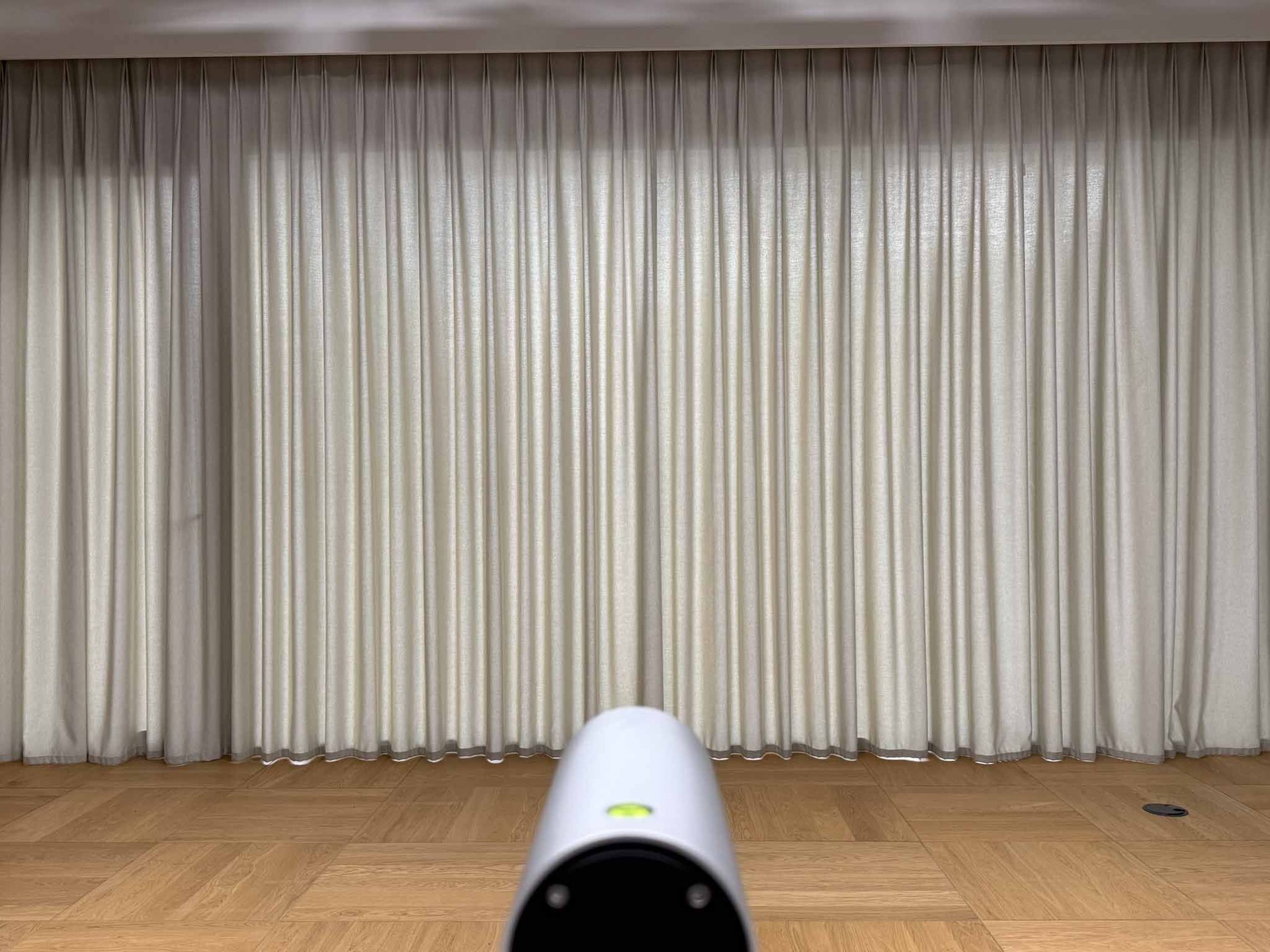
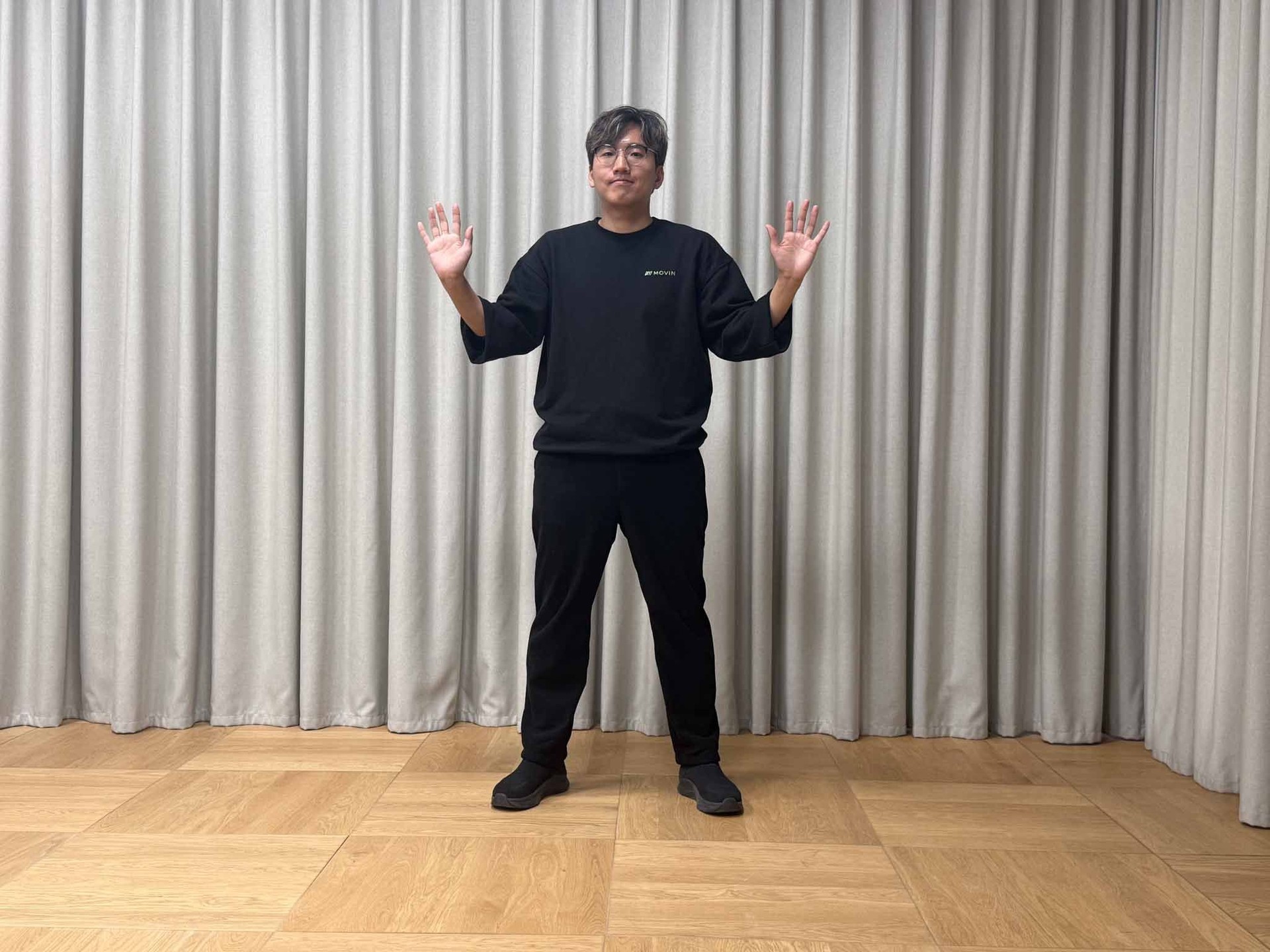
Lighting Conditions That Require Adjustment
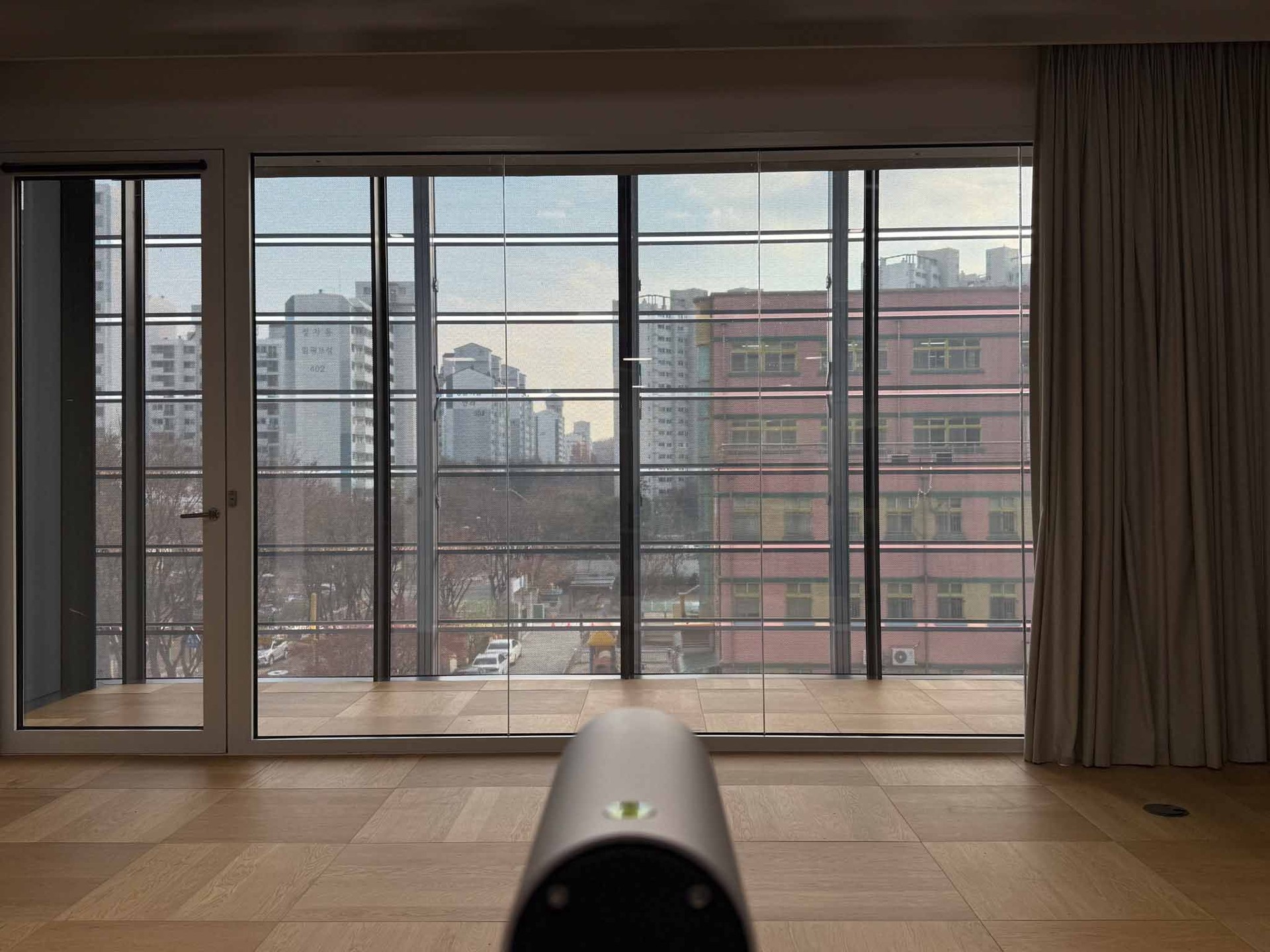
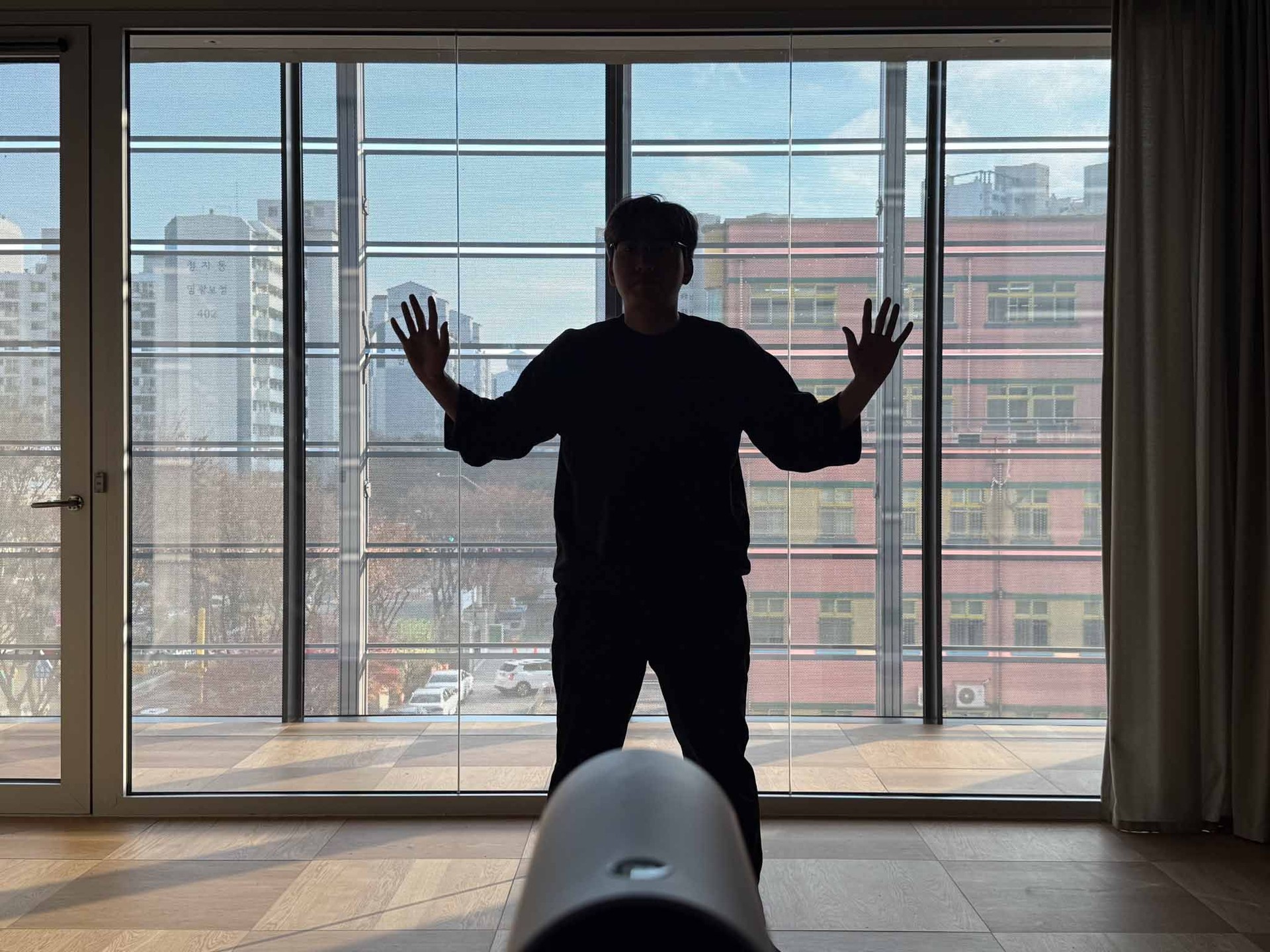
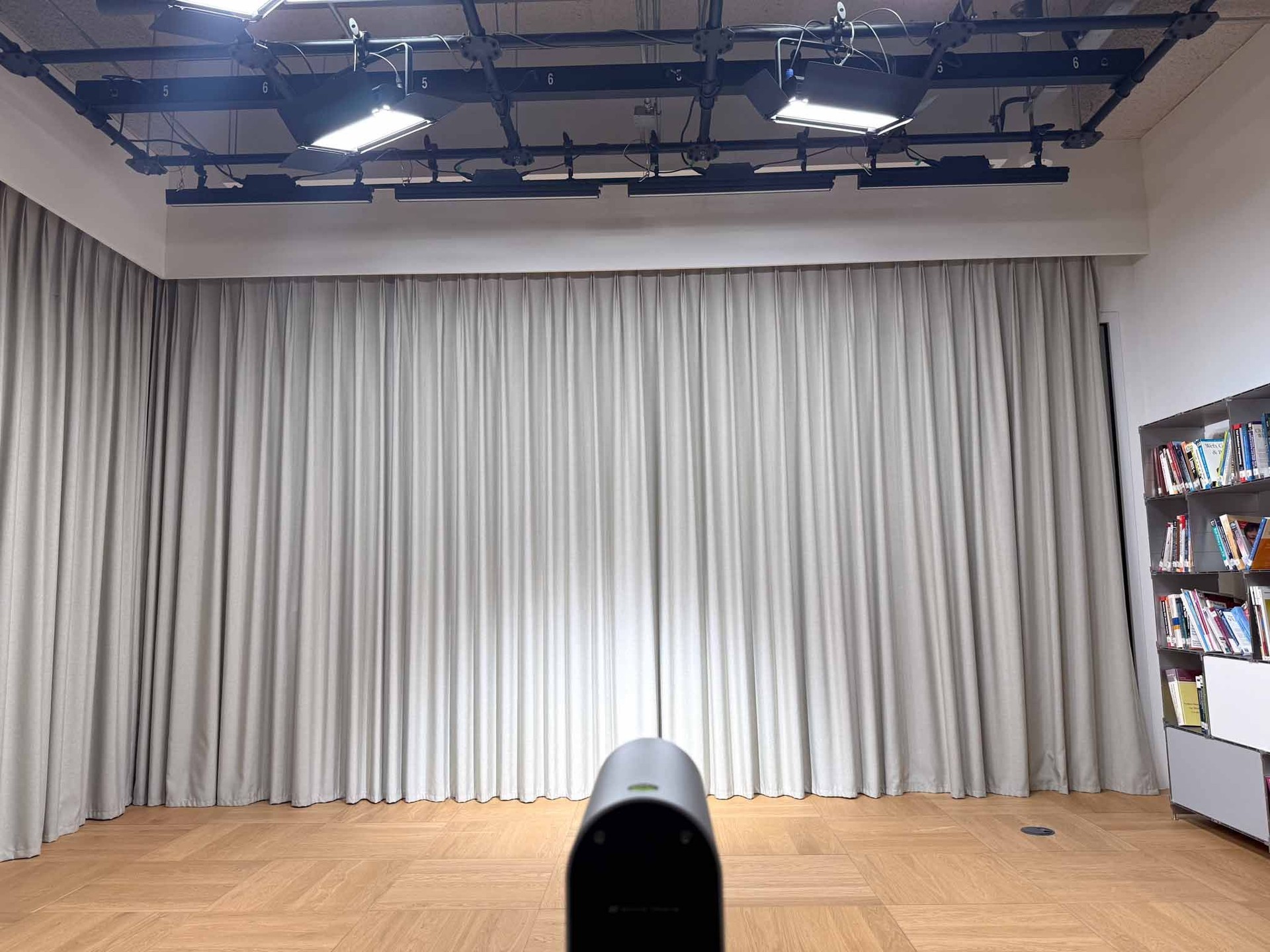
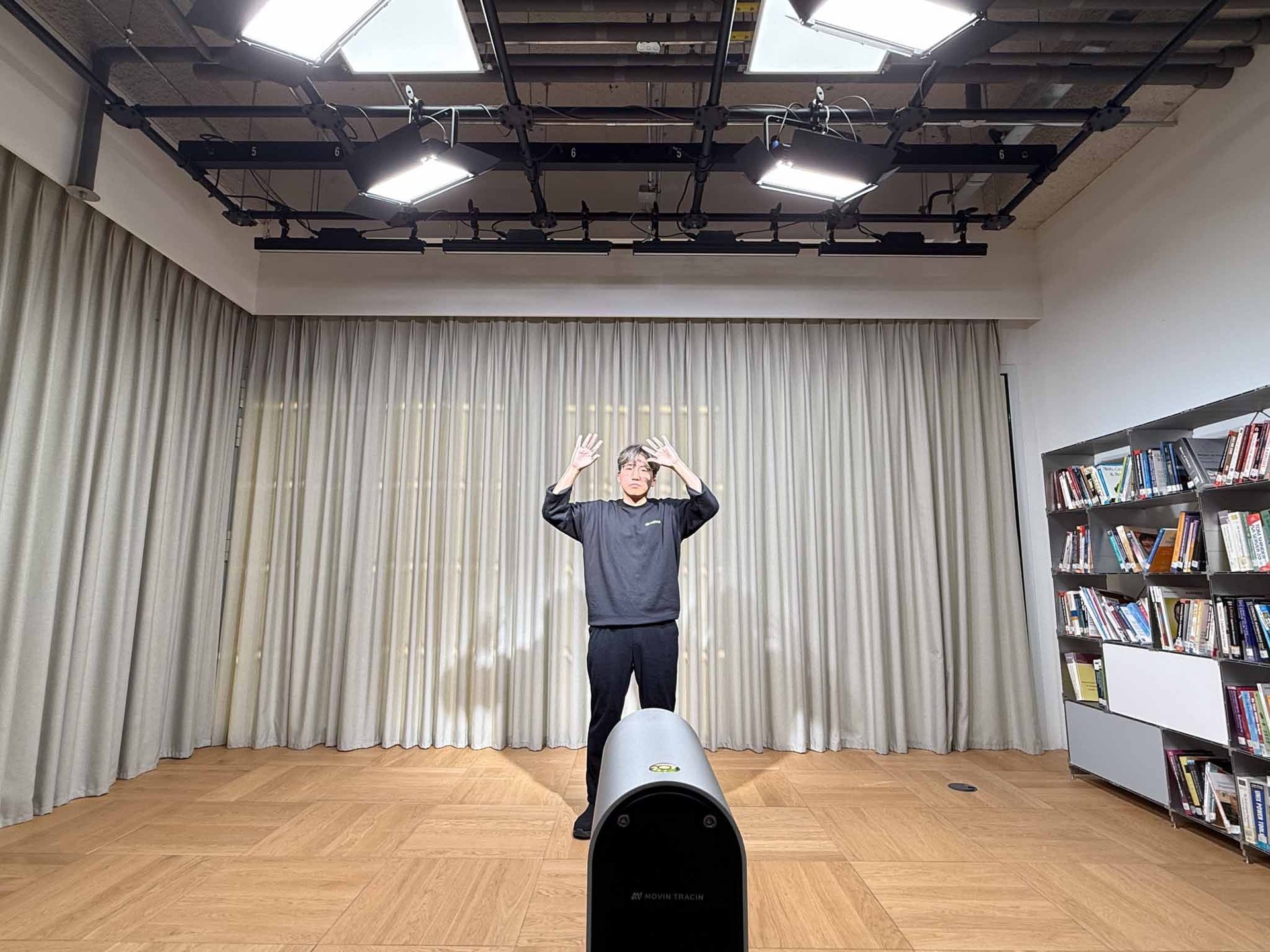
Clothing
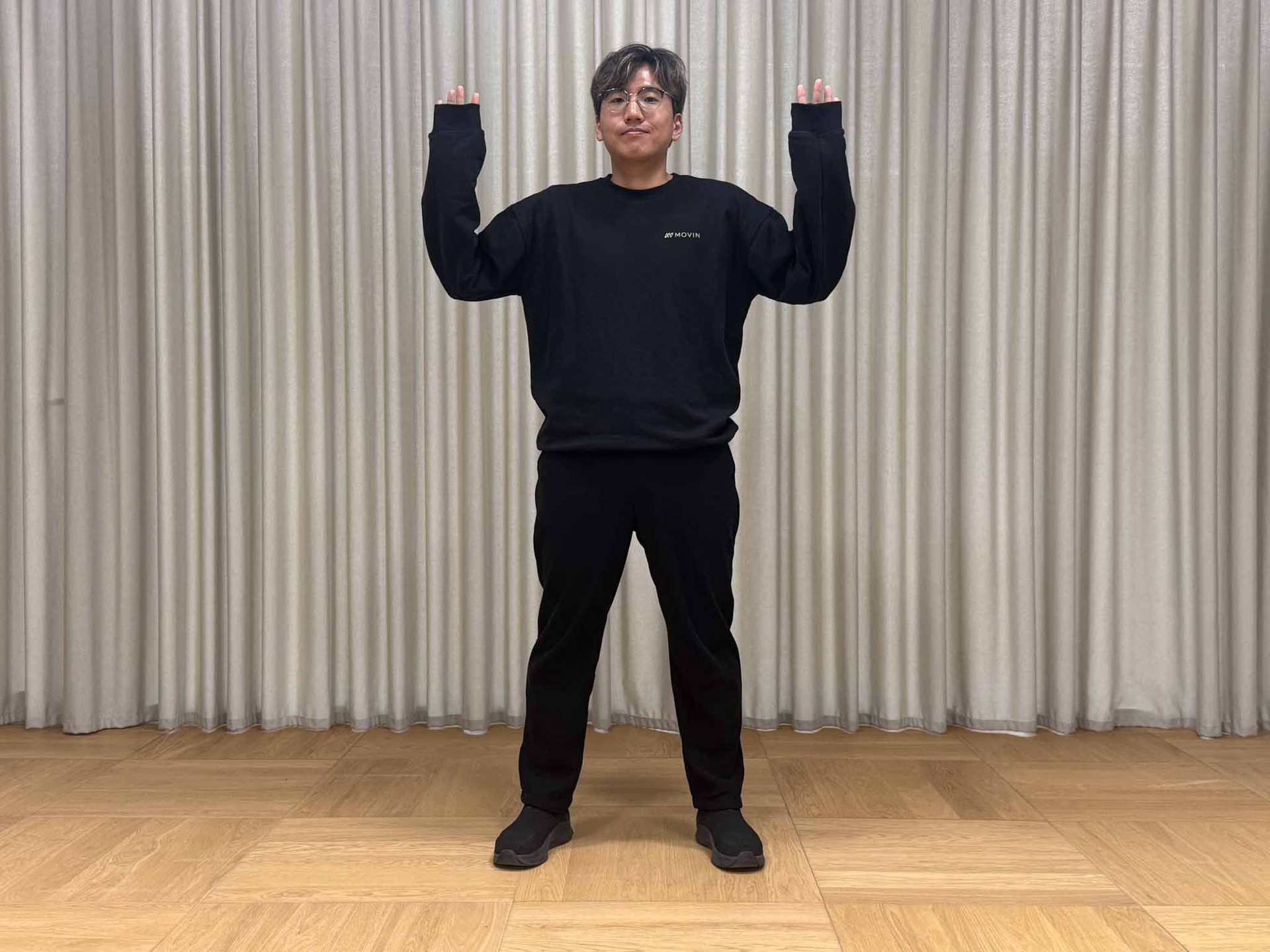
Since tracking depends on camera-based visual data, clothing colors can impact recognition accuracy. For best results, ensure that the hands, clothing, and background have clear visual contrast. Avoid wearing long sleeves that cover the wrists, as this can interfere with proper hand and wrist tracking.
Device Stability
If TRACIN vibrates, the camera’s perception becomes unstable. We recommend mounting TRACIN securely on a tripod. Avoid moving or rotating the device during capture, as it can change the FoV and calibration reference, reducing overall tracking accuracy.
Final Thoughts
Until now, MOVIN Studio has focused primarily on full-body motion capture, while detailed wrist and finger tracking required additional glove solutions such as Rokoko or Manus. Many creators either integrated third-party gloves for high-precision hand data or used Rest Pose-based hand animation when finger tracking was not essential.
With Hands Motion Capture (Beta), MOVIN TRACIN alone can now capture wrist and finger motion directly — no gloves, no pairing, no extra charging, and no additional calibration steps. By simply completing Actor Calibration, you can obtain real-time full-body and hand motion, making it easier for animators and developers to produce richer and more expressive performances.
For detailed option descriptions and step-by-step guides, please visit MOVIN Docs.
If you have any questions while using MOVIN Studio, feel free to reach out anytime on our MOVIN Discord channel.