MOVIN TRACIN · MOVIN Studio Usage Guide
Set Hand Rest Pose
In MOVIN Studio, you can configure a hand rest pose to define how the hands appear in your motion capture data without a finger tracking.
If you're using a custom character without finger tracking, we recommend matching MOVIN Studio's hand rest pose to your character's default hand pose.
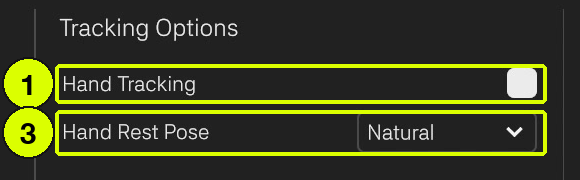
To set the hand rest pose, go to Tracking Options in the bottom panel of the Capture screen. Turn Hand Tracking off (1), then select a preset from the Hand Rest Pose dropdown (3). MOVIN Studio has three presets: Default, ThumbOut and Natural.
Hand Rest Pose only appears while Hand Tracking is off. When Hand Tracking is on, your hands are tracked instead.
Default
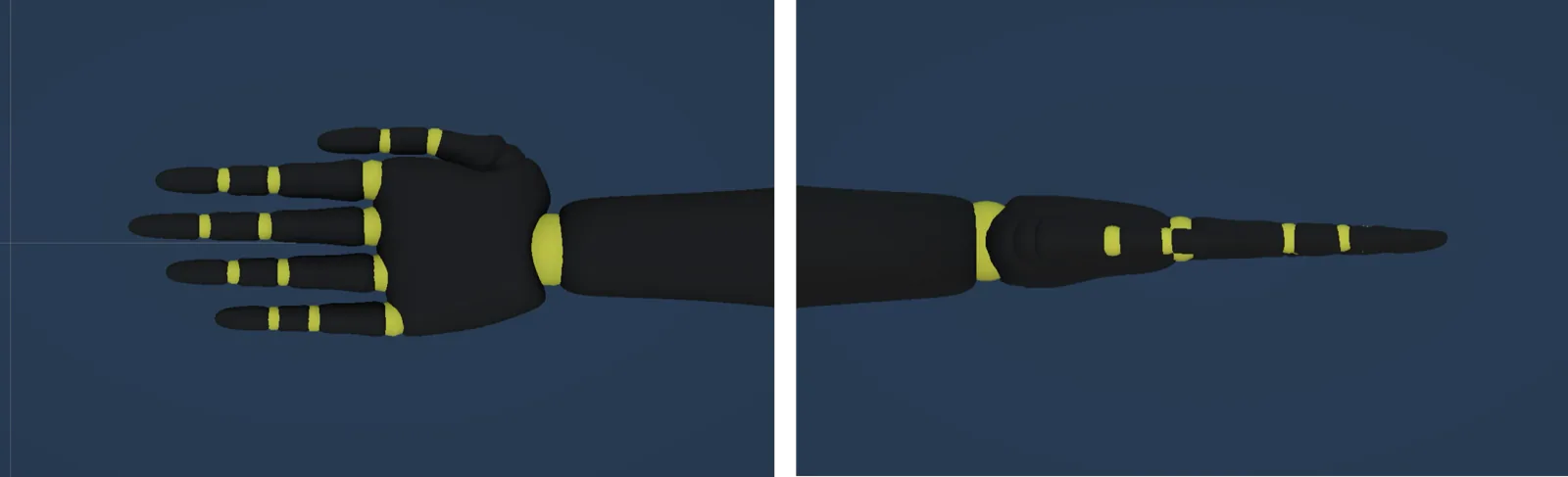
All fingers are fully extended in a straight, neutral position.
ThumbOut
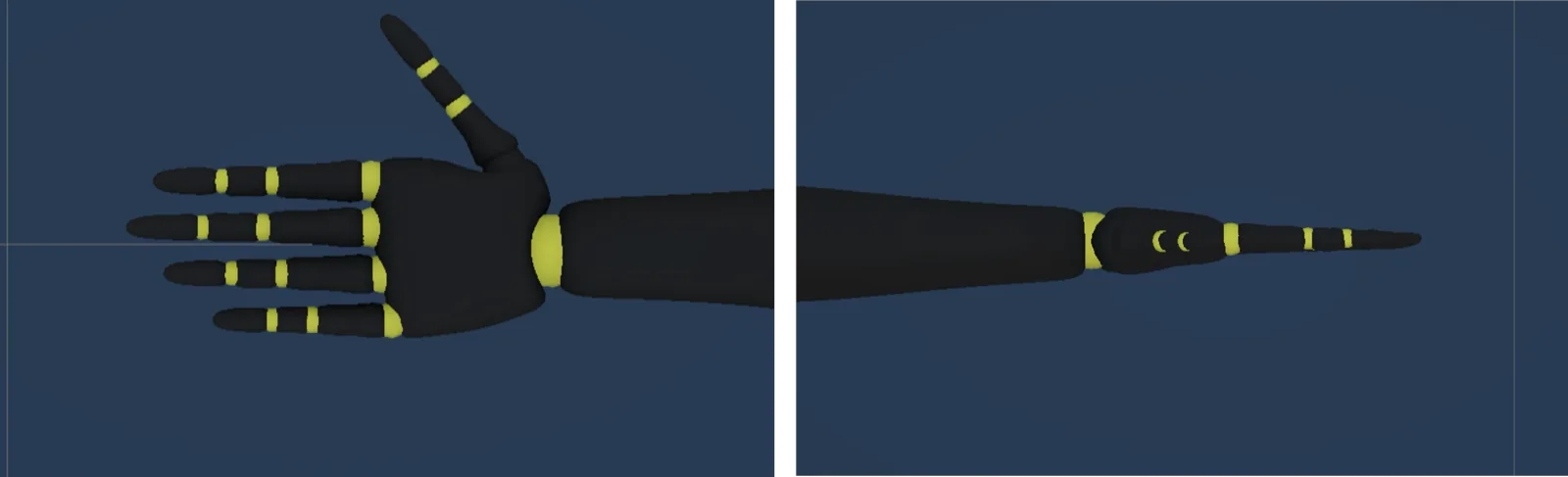
A pose commonly used in .vrm format characters where the thumb is naturally spread apart from the other four fingers.
Natural
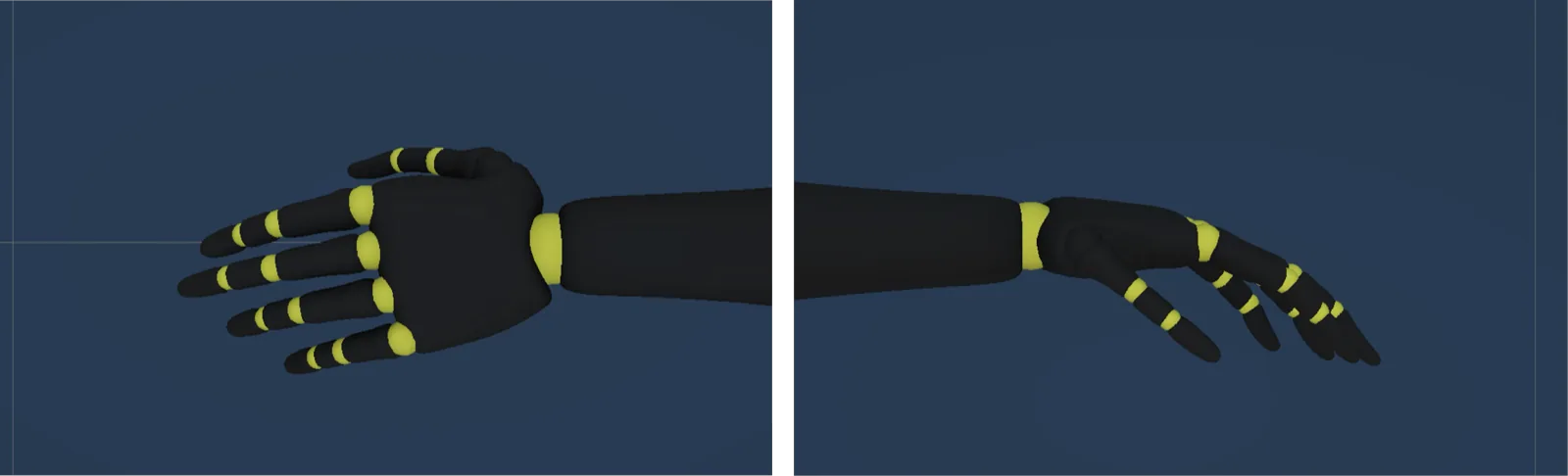
This hand pose shows the default hand pose of the Unreal Engine mannequin, featuring a naturally relaxed finger spread.